A plugin for the Omarchy desktop
Radio as music video, in your Omarchy bar
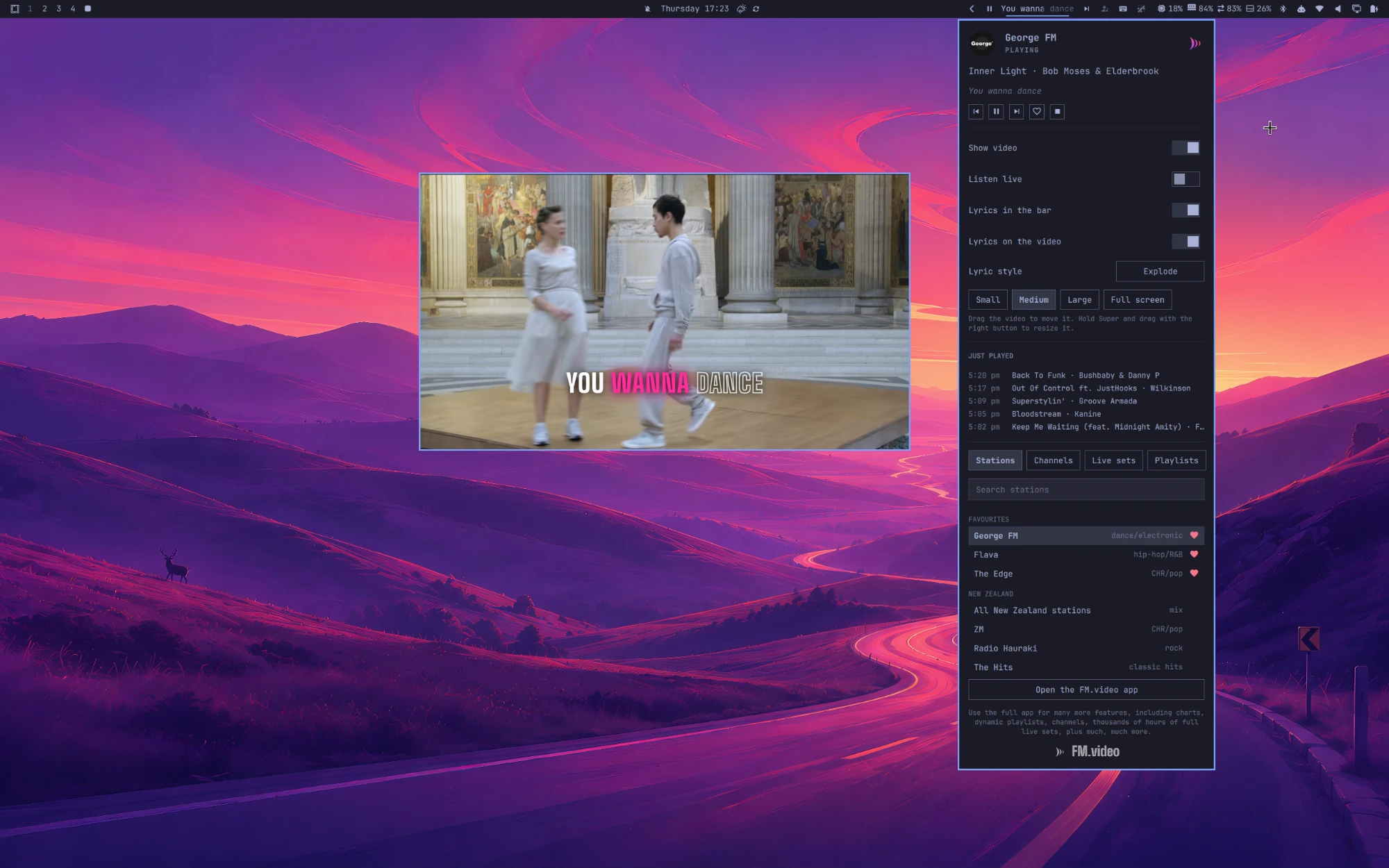
The song on now, karaoke lyrics lighting up in time, and a video window that floats over your work. 268 radio stations from 23 countries, full festival sets, and it is free.
You are already on FM.video, no Omarchy needed: use the menu to explore everything in the library, or start with radio stations, genre channels or the charts. Pick anything and it plays right here, on your desktop or your phone.
Install it
Paste this in a terminal on Omarchy 4. Full steps
omarchy plugin add https://github.com/0800tim/fm-video-omarchy.git --enable
What it does
- The song on now, in your bar
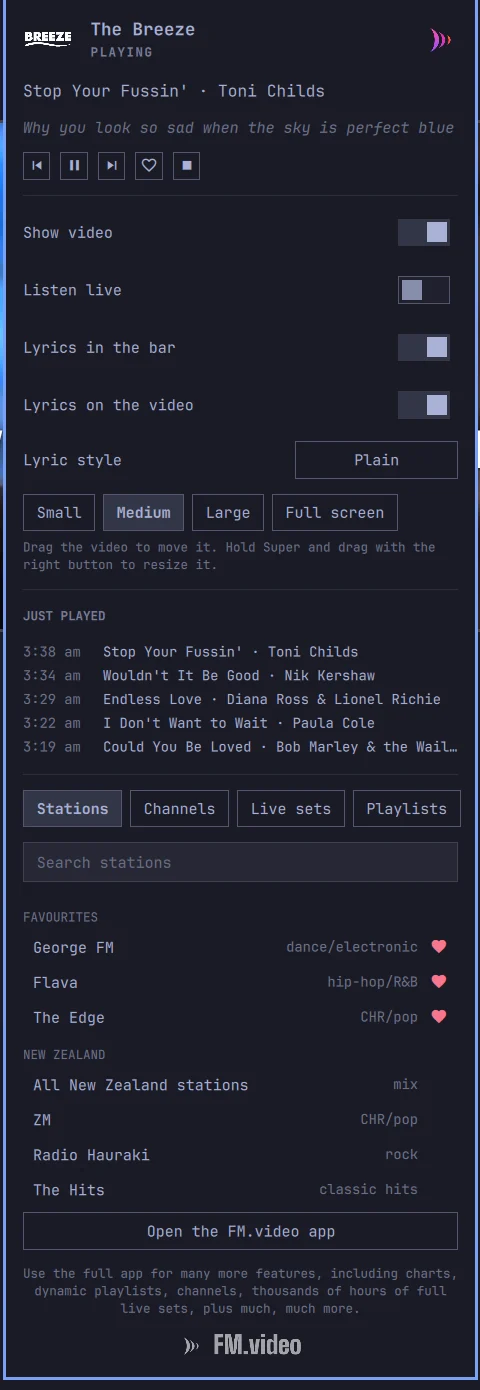
- Pick a radio station and the bar shows what it is playing, with play, pause and next beside it.
- Karaoke lyrics in the bar
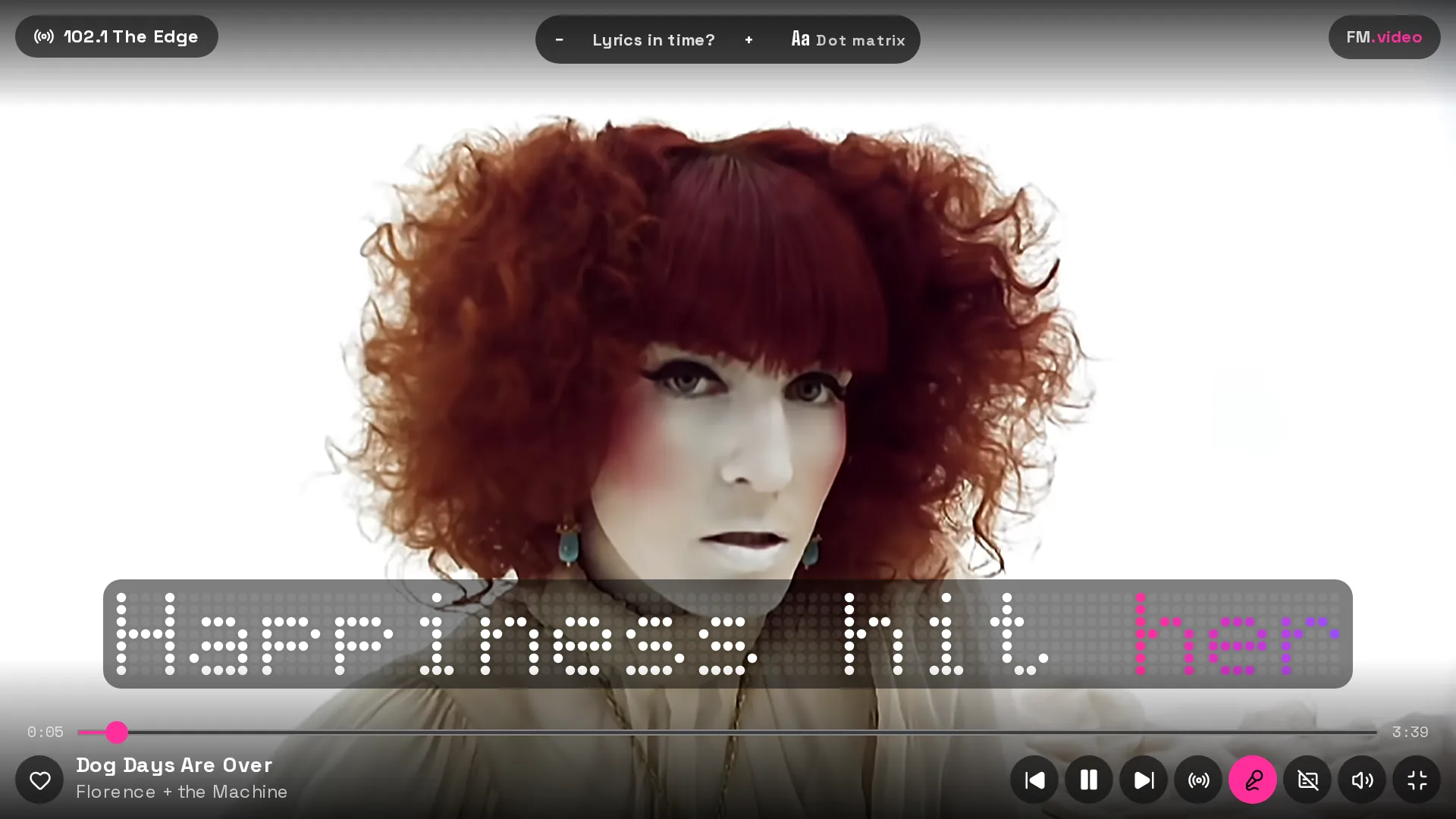
- The line being sung, lit word by word, in time with the video. Nobody else's bar does this.
- A video window that floats
- The music video for the song on air, in a small window that stays on top and follows you across workspaces. Drag it, resize it, or fill the screen with a double click.
- 268 stations, 23 countries
- Search them, heart the ones you like, and step through your list. Change station and the same window carries on, with no reload.
- Listen live
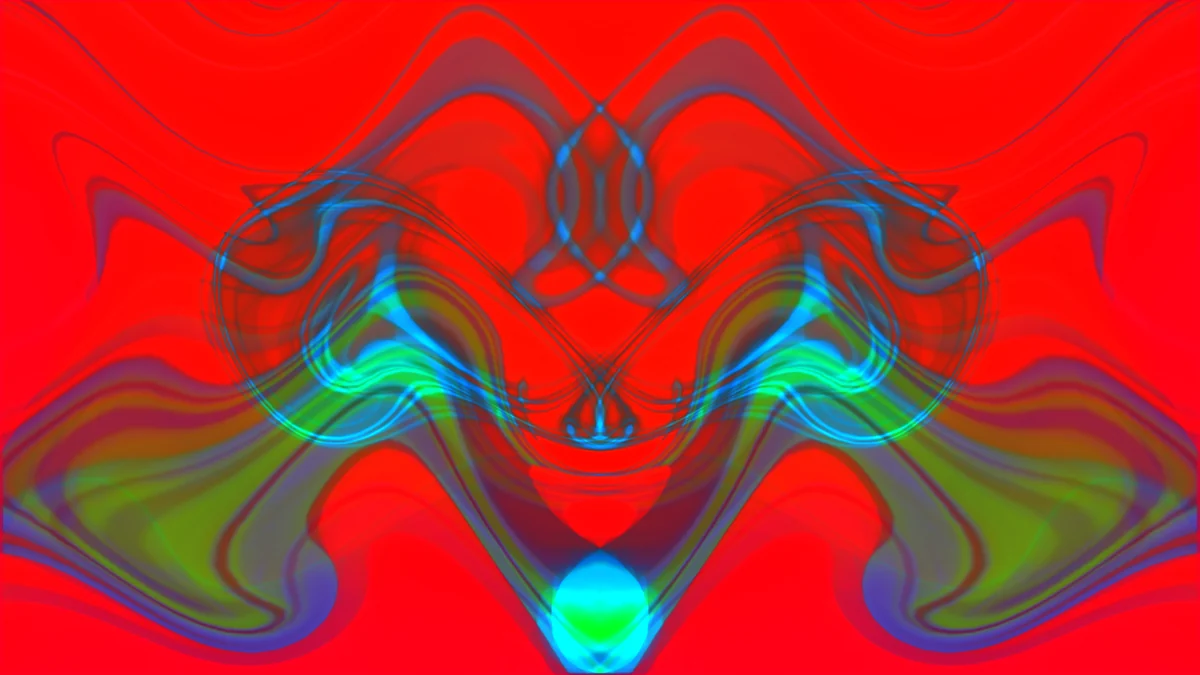
- Tune to the station's own broadcast for the DJ sets and shows that are never in the playlist. With the MilkDrop visualiser, or with nothing on screen at all.
- Full live sets
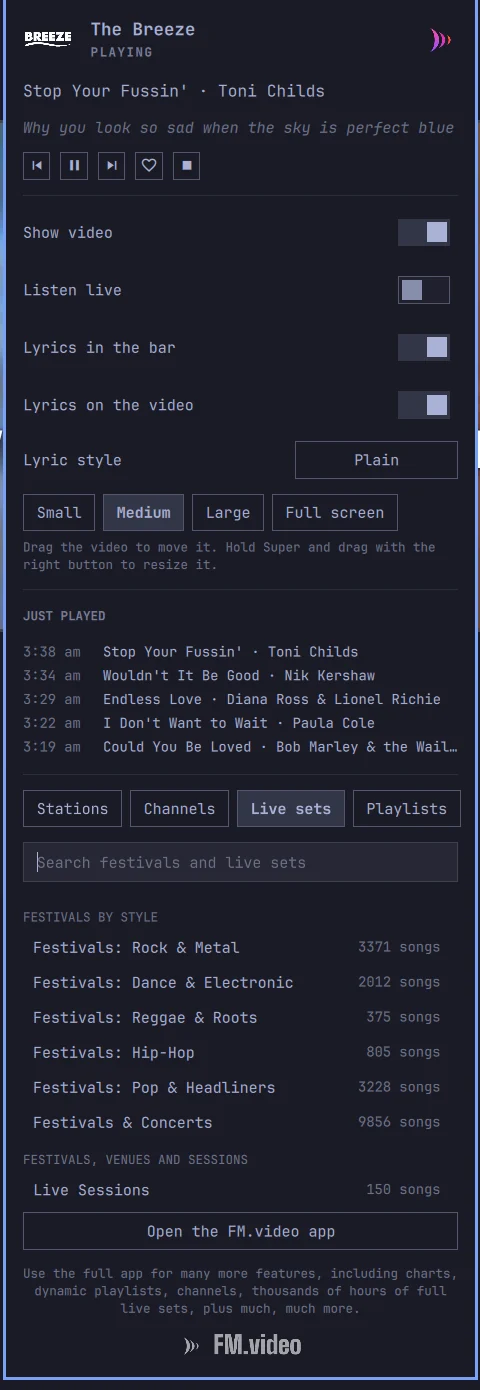
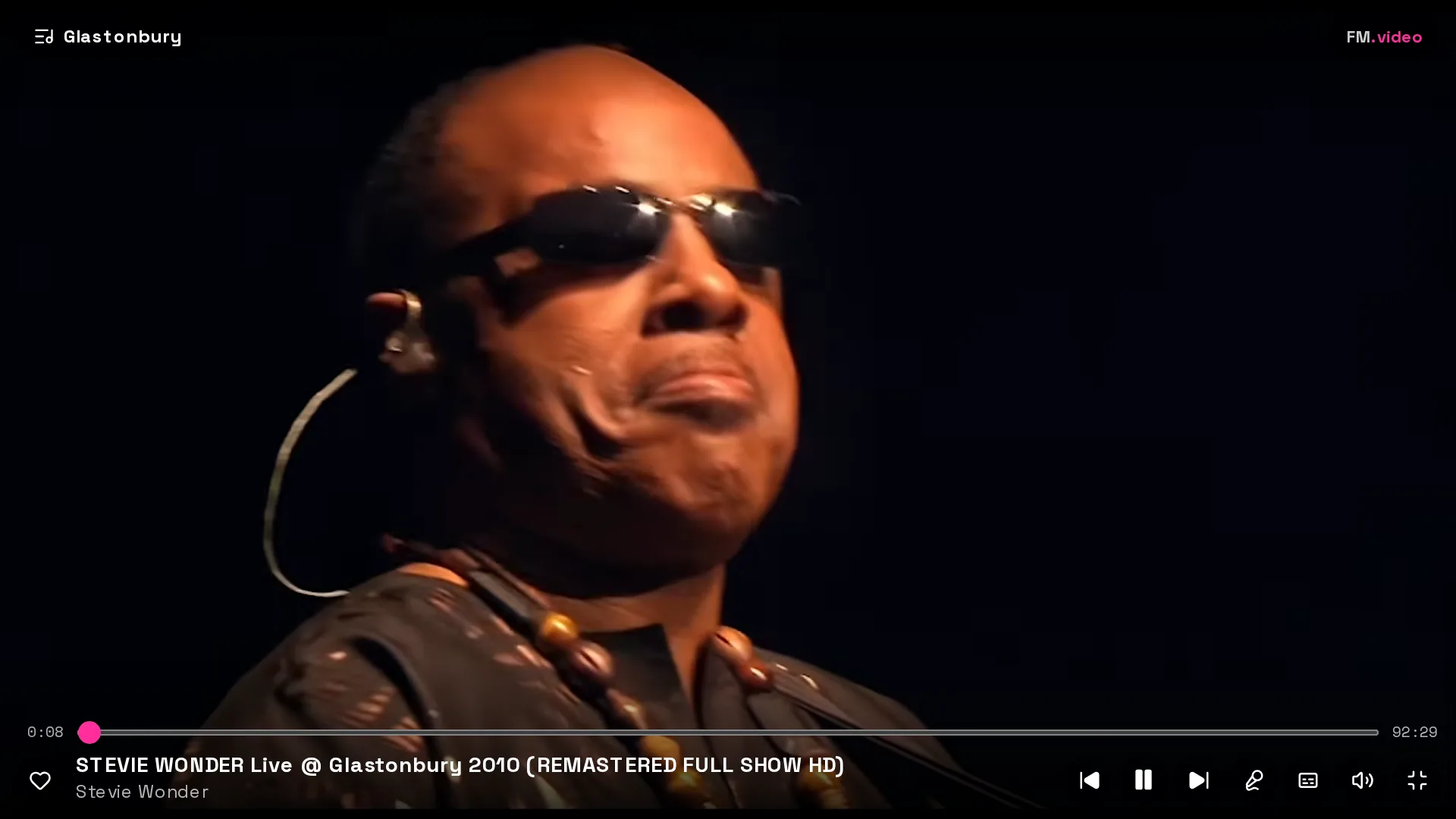
- Glastonbury, Coachella, Tomorrowland, Burning Man, Cercle, Boiler Room and more: hours of filmed sets as channels of their own.
- Genres, decades and playlists
- Pop, rock, dance and reggae channels, the 80s to the 2010s, and the public playlists from FM.video, all in the same window.
- Eight lyric styles
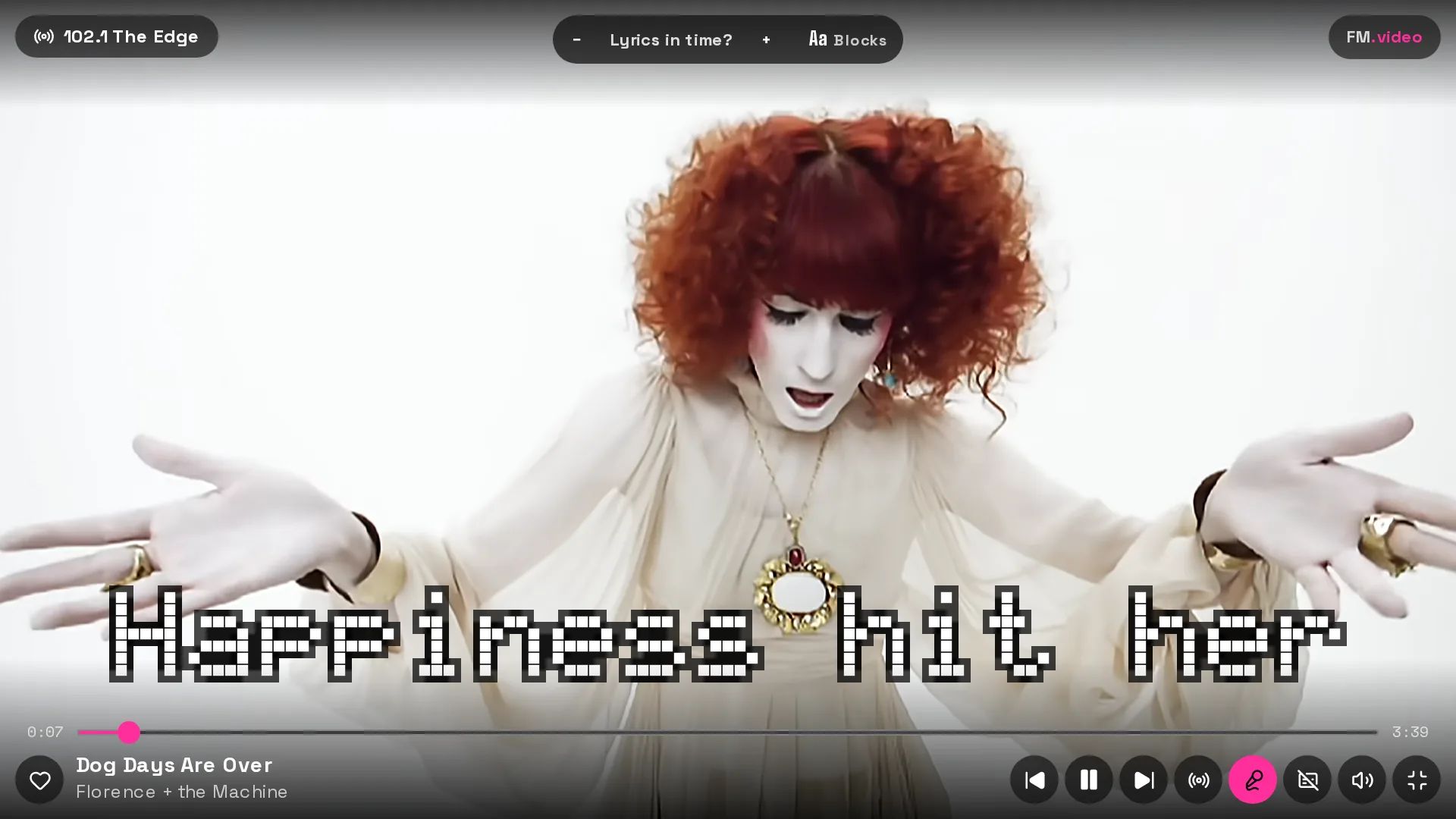
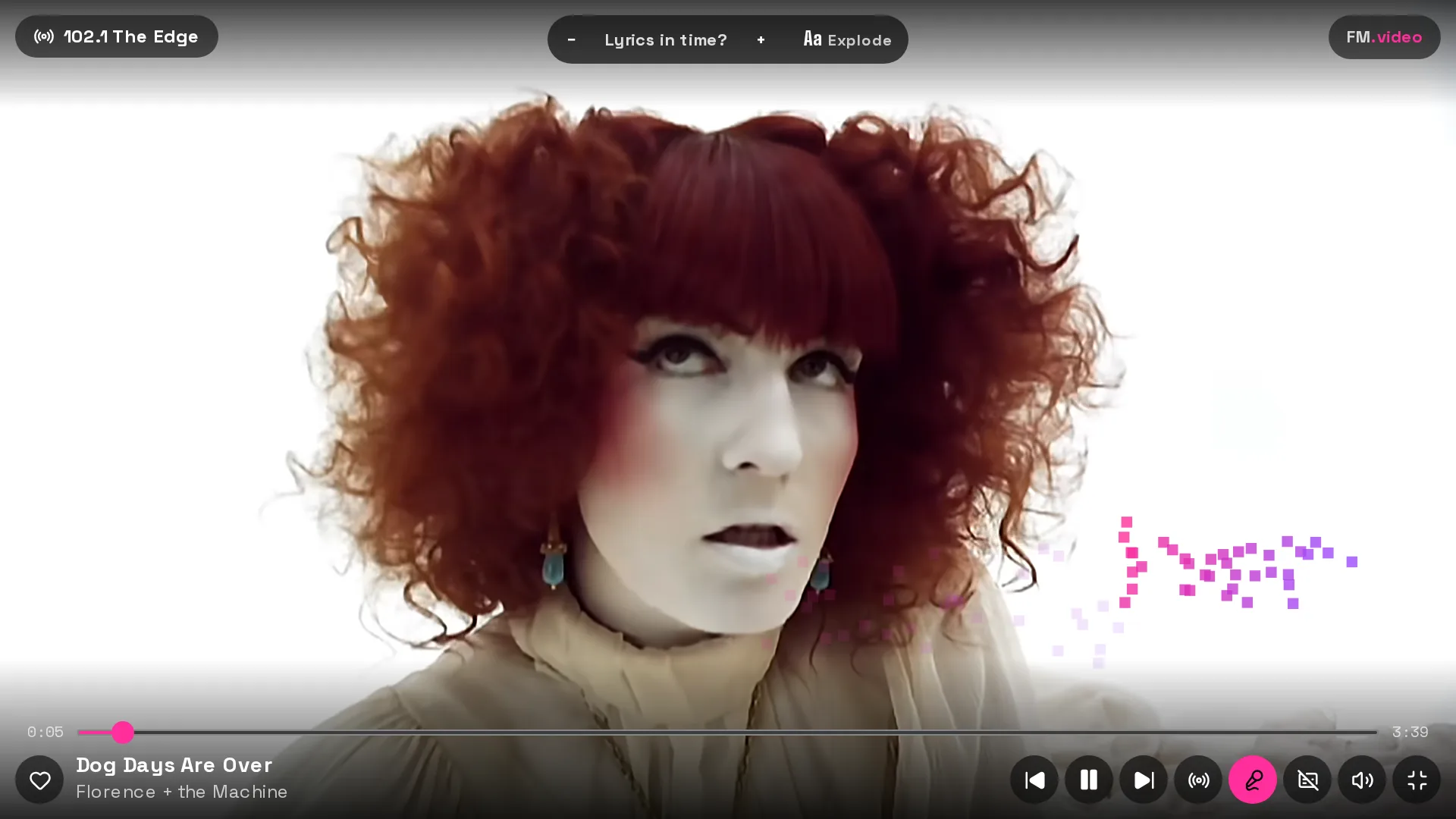
- Plain, outline, typewriter and wave, and four in a 5x7 pixel font: dot matrix, blocks, sparkle and explode, where words burst into sparks once they are sung.
- Lyrics out of time? Fix them
- Nudge the timing a fifth of a second at a time. Your fix is shared, so the next person to play that video gets it right.
- Favourites that follow you
- Heart a song in the window. Sign in with a code by email and your favourites are the same ones you have on fm.video.
See it

Install it
- In a terminal on Omarchy 4:Omarchy shows you what it is about to add and asks first. Nothing is run during the install and it never asks for sudo.
omarchy plugin add https://github.com/0800tim/fm-video-omarchy.git --enable
- A radio icon appears in your bar. Click it, pick a station, and switch on Show video.
- To update later:To remove it:
omarchy plugin update
omarchy plugin remove plugin.fm.video
Needs Omarchy 4. Built and tested on Omarchy 4.0.4. Free and open source (the code, MIT).
Keys in the video window
- Space
- Play or pause
- N and P
- Next and previous song. Listening live: next and previous station
- S
- Find a station
- V
- Switch between the videos and the live broadcast
- Z
- Visualiser on or off, when live
- L
- Karaoke lyrics on or off
- T
- Next lyric style
- [ and ]
- Lyrics later or sooner. Shift moves a whole second, 0 resets
- C
- YouTube's own captions on or off
- H
- Heart the song
- M
- Mute
- F, or a double click
- Full screen, and back
Everything here is also a switch or a button in the plugin's panel.
On a MacBook with a Touch Bar?
The pixel lyric styles come from Touchbard, our Omarchy plugin that turns the Touch Bar into a karaoke display and light show for whatever you are playing. The two work side by side.


Recorded from a real Touch Bar: karaoke lyrics, then the song title over a spectrum.
Touchbard on GitHubCommon questions
- Is it free?
- Yes. The plugin is free and open source, and FM.video is free to watch with no account. We run no ads of our own; YouTube may show its own inside a video.
- Where do the videos come from?
- FM.video reads what each radio station says it is playing and matches every song to its official music video on YouTube. The window plays them through YouTube's own player, so the views count for the artist.
- What does the plugin send to FM.video?
- Requests for stations, songs and lyrics, and nothing about you. Each install registers an anonymous id so that use can be counted and abuse stopped. No personal data is collected, and you do not need an account.
- What do I need?
- Omarchy 4 (the Quattro shell, with Hyprland's Lua config) and a Chromium based browser, which Omarchy includes. It was built and tested on Omarchy 4.0.4. The video window is an ordinary browser window that the plugin floats and pins for you.
- Can I use the mini player without Omarchy?
- Yes. It is a web page: open fm.video/mini in any browser. The keys above all work, and your media keys do too.
FM.video is built by one person in Aotearoa New Zealand. Tell me what is missing, or which station you want added.