The whole front end, rebuilt in 21 hours, mostly by talking to my phone
· 9 min read · Tim Thomas
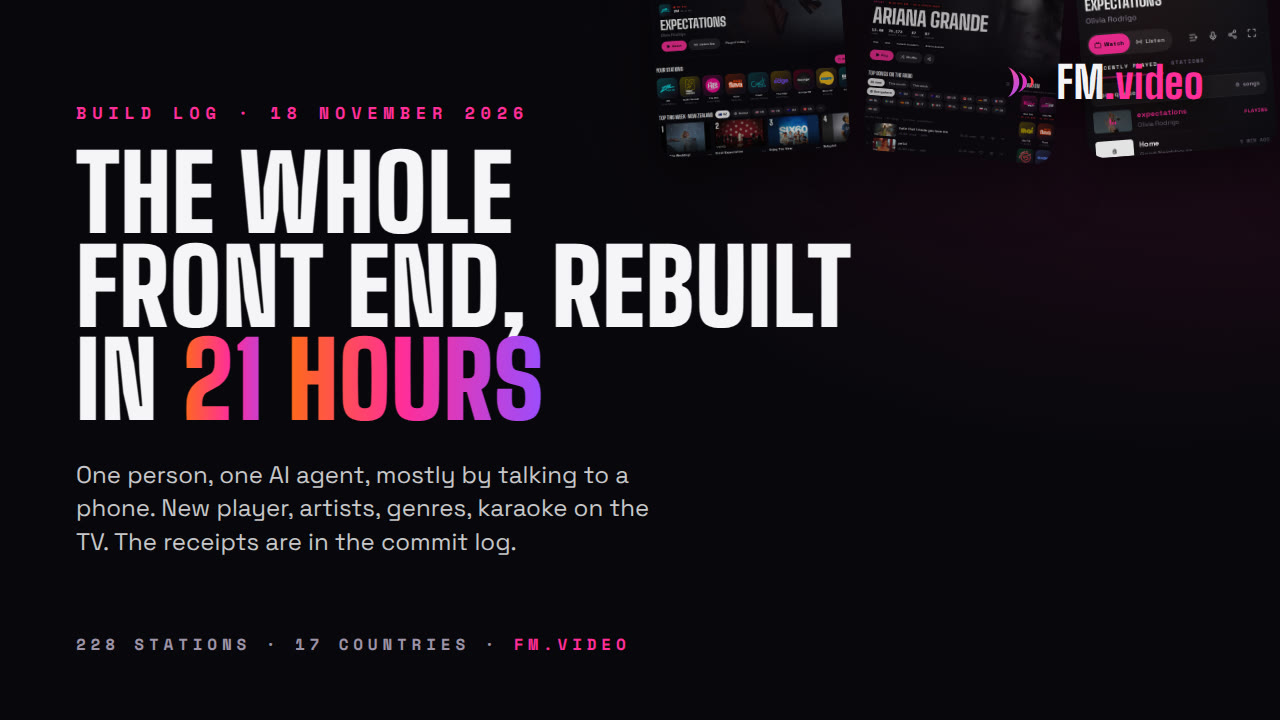
At 2:57 on Tuesday morning I asked an AI agent for a completely new FM.video. Under 21 hours later it was live. New player, artists, genres, karaoke on the TV, one-tap station switching. Here is everything that happened, with the commit times to prove it.
If you are reading this on fm.video, you are looking at a version of the app that did not exist on Monday. FM.video did. This version of it, which is way, way better, did not.
At 2:57 on Tuesday morning I sent one message to an AI agent: come up with a totally alternate UI and UX for FM.video, on a separate branch, without touching the live site. Half an hour later there was a first commit. At 11:37 that night, 20 hours and 40 minutes after I asked, the new site replaced the old one.
I did not take the day off to do it. I chipped away at it while I did other work: every so often I picked up my phone, tried the preview, and said what was wrong.
What this is, and what it is not
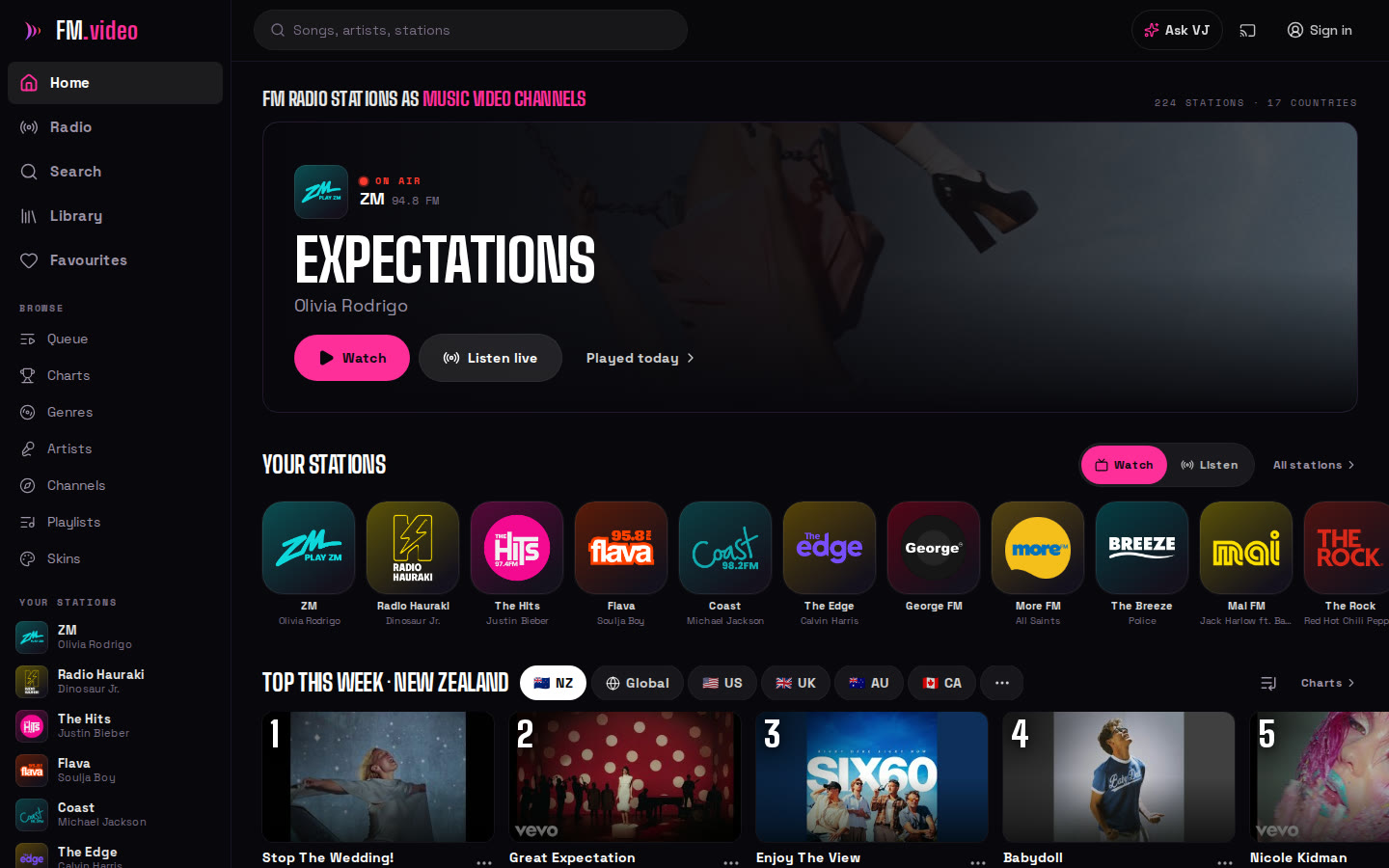
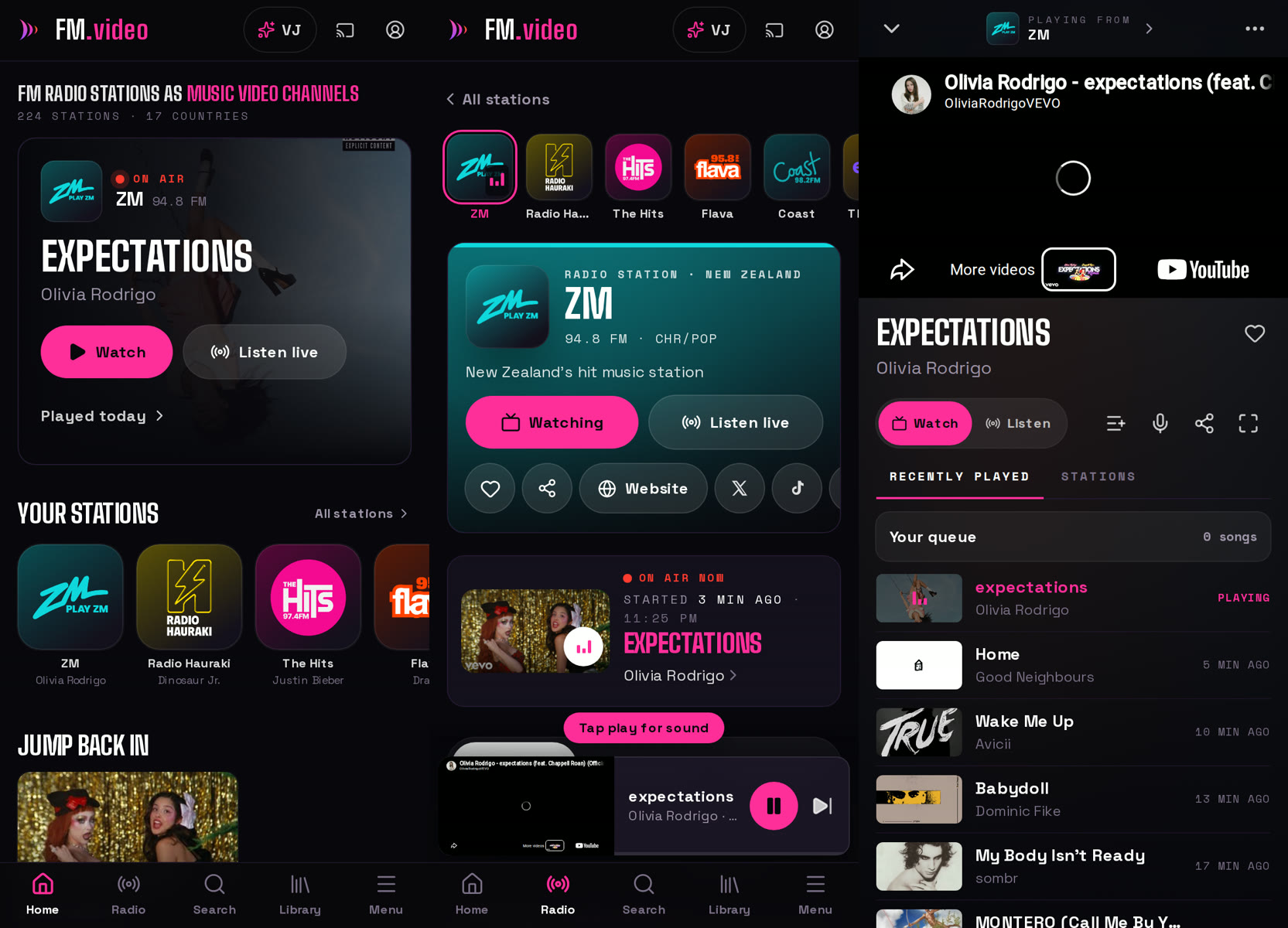
It is a total rebuild of the front end. Every page, the player, the phone layout, the desktop layout, the TV remote.
It is not a rebuild of the platform. The part that listens to 228 radio stations in 17 countries, finds the right music video for each song, and has recorded 11 million plays was already there, and it took months, not hours. I wrote about where that came from back in July. The new front end is a much better window onto all of it.
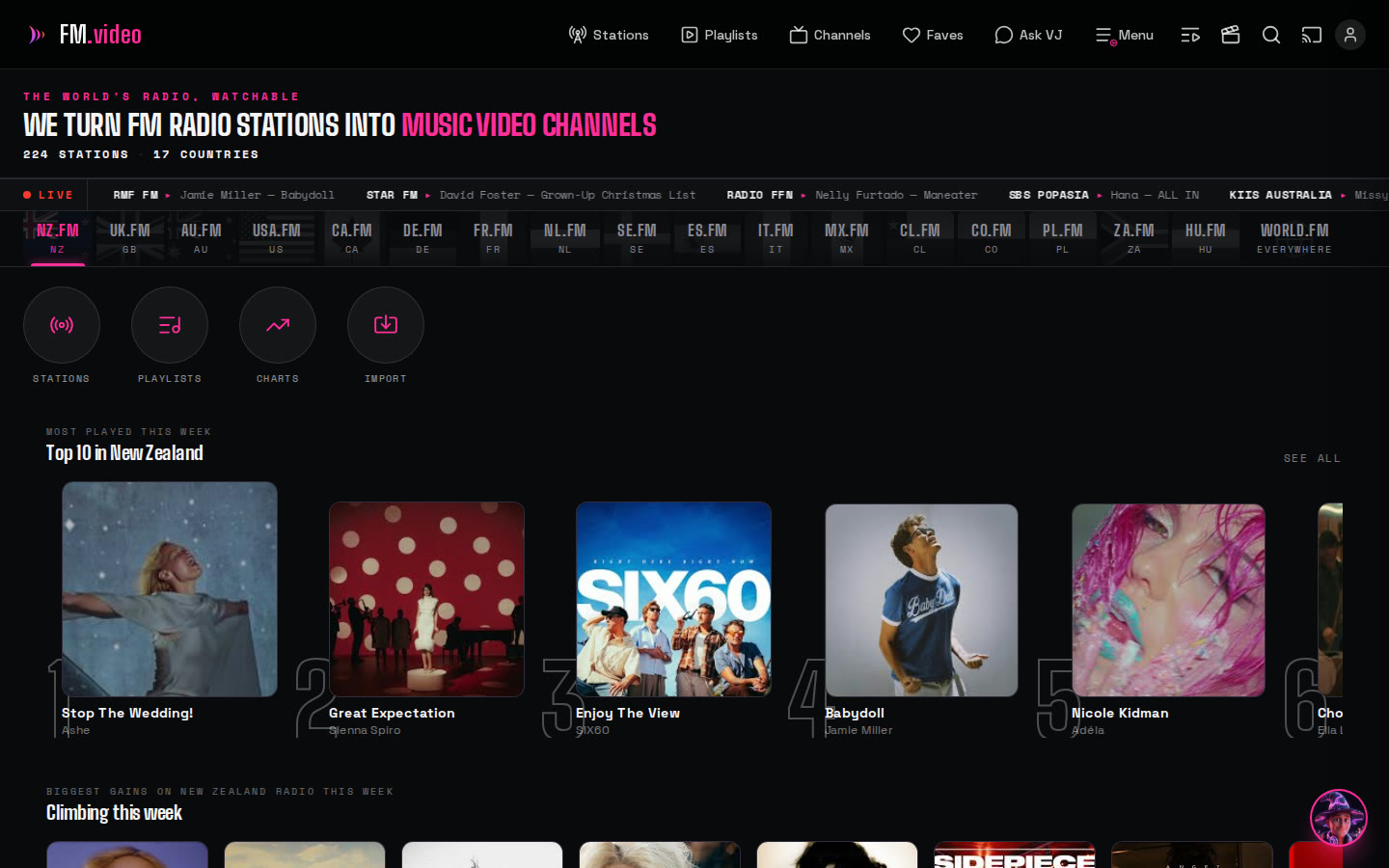
The old one is not gone. I kept it running, exactly as it was on its last night, at v1.fm.video. Go and have a look, then come back. That is the before.
Why I threw the old one away
I built the old interface, so I am allowed to say this: the desktop version was painful to use. It worked. It did everything. But changing radio station took several taps and a page load, the player moved around depending on where you were, and on a big screen it felt like a phone app that had been stretched.
The brief I gave was short. Phone first, far simpler, keep every feature, and make switching station one tap. Then make desktop a first-class citizen instead of an afterthought.
How it was built
The agent was Claude Code running Fable 5.2, Anthropic's most capable publicly available model, in high effort mode. I did not write the code. I did not really type much either.
Most of my side of it was dictated into my phone. I would open the preview, use it like a listener would, take a screenshot when something annoyed me, and talk: "the controls are too big, overlay them on the video and make them disappear when I am not touching it." A few minutes later the preview had changed, and I would try again. I did a lot of desktop testing too, but the phone and my voice did most of the driving.
There were about thirty rounds of that, and it has been a beautiful pleasure to do.
The receipts
The code is in a private repository, so here is the commit log for the day, New Zealand time. These are real commit times, not a summary written afterwards.
- 2:57 am I ask for it.
- 3:27 am First commit: a new shell, one player in three sizes, one-tap station switching.
- 3:39 to 3:51 am Channels, charts, library, queue, playlists, the radio guide, station pages, search and artist pages.
- 4:02 am Skins, and a floating player you can drag around.
- 4:13 am Fixes from an independent review of the new code.
- 5:27 am A feature-by-feature check against the old site, and everything it found missing put back.
- 6:31 am Unit tests, and the bugs they turned up.
- 12:14 pm My first round of feedback goes in.
- 12:39 pm The Artists page.
- 3:52 pm On a phone, the player controls move onto the video and a Menu tab appears.
- 4:33 pm Lyrics are now looked up for the exact length of the video that is playing.
- 4:39 pm A setting to skip explicit songs, because a beta user asked.
- 6:13 pm A pop-out player that floats on top of your other windows.
- 9:45 pm Captions and karaoke on the TV, switched from the phone.
- 11:08 pm Lyric timing on the TV, adjusted from the phone.
- 11:34 pm Merged into the main branch.
- 11:37 pm Live on fm.video.
Around forty commits and about 35,000 lines of code, between a 3 am idea and bedtime.
What is new
Plenty of this did not exist at all on Monday.
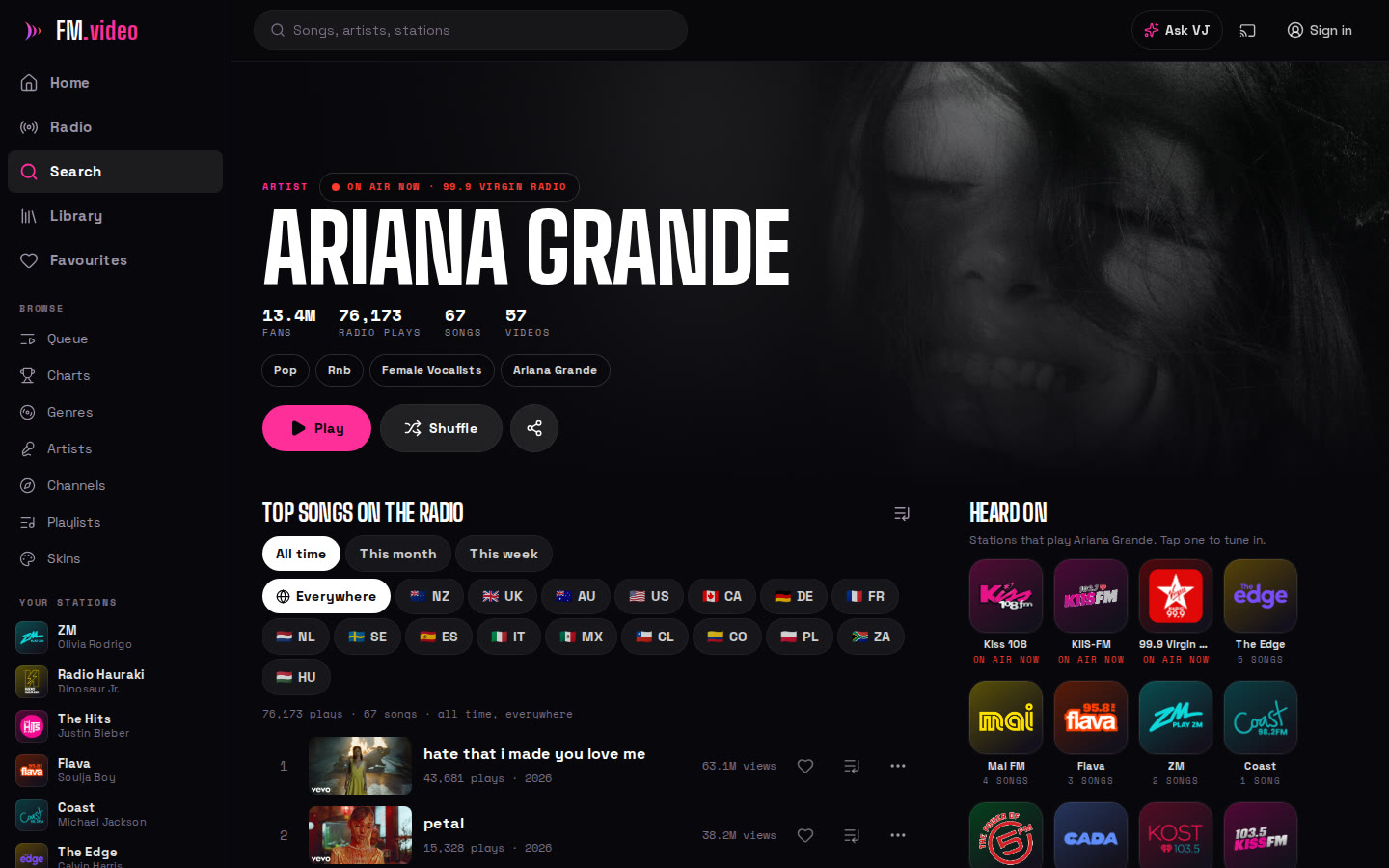
Artists. Every artist has a page: who they are, their top songs on the radio, and where in the world they are being played. Pick a country and the numbers change. You can see that an artist is huge in Poland and barely played in Australia, this week, this month or all time, and tap any station that plays them to tune in.
Genres. Stations grouped by genre across every country, each genre with its own chart counted from what those stations actually played. Nobody's opinion, just airplay.
One-tap station switching. Your stations sit in a strip at the top. Tap one and it changes. No page load, no menu.
Watch or Listen. One switch, in the same place everywhere. Watch plays the music videos for what the station has been playing. Listen plays the live broadcast with a visualiser, or the artwork of the song on air.
One player, three sizes. A bar at the bottom, a floating video you can move, or the full screen. The same player, the same buttons, in the same places. On Chrome and Edge it also pops out into its own little window that stays on top of everything.
Karaoke that keeps time. Karaoke mode already existed. Now the words light up one at a time, the lyrics are matched to the exact cut of the video you are watching, and when a song is slightly out you can nudge it and the fix is shared with everyone.
A proper TV mode. Open fm.video/tv on a television, scan the code with your phone, and your phone becomes the remote: a cover flow of what is playing and what is next, captions on or off, and karaoke on the big screen with the timing adjustable from the sofa. That last one was built at eleven at night, because some songs needed a nudge and a TV has nothing to nudge with.
Smaller things that add up. A filter to skip explicit songs. A list that keeps every song you have played so you can scroll back. Home charts for your own country, the world, or anywhere else. Controls over the video that get out of the way the moment a song starts.
Skins, including one that hurts
The new app has themes. I call them skins, because I am old enough to remember Winamp. Pick one and the whole thing changes: colours, corners, fonts, textures, the lot. There are 18 built in, from a quiet light mode to a cassette deck to a comic-book Pop Art.
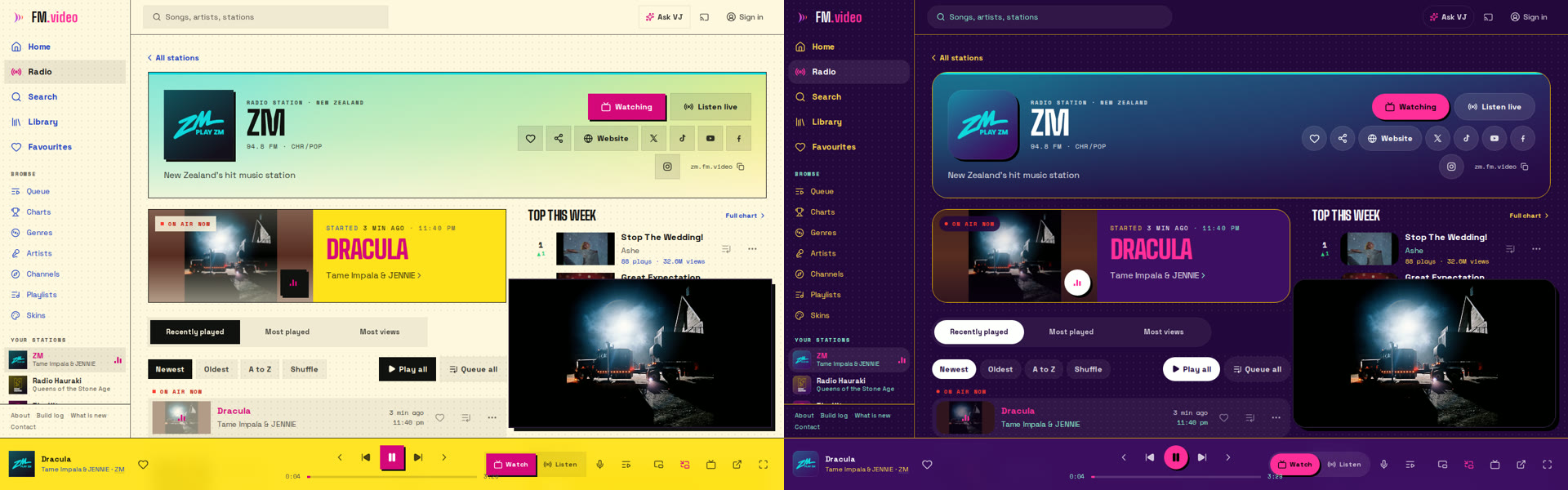
A skin is one small file of settings, not code. You can export any skin, change the colours in a text editor, import it back, and send the file to a friend. I would love to see what people make.
And then there is Hideous. Late in the afternoon I asked for "really bad colours that hurt your eyes", just for fun, and to see how far the system would bend. It bends a long way. Yellow page, cyan cards, red lines, purple text. It is the worst thing I have ever shipped on purpose, it took a few minutes, and the funny part is that it still passes the readability checks, because the checks every built-in skin has to pass would not let it become truly unusable.
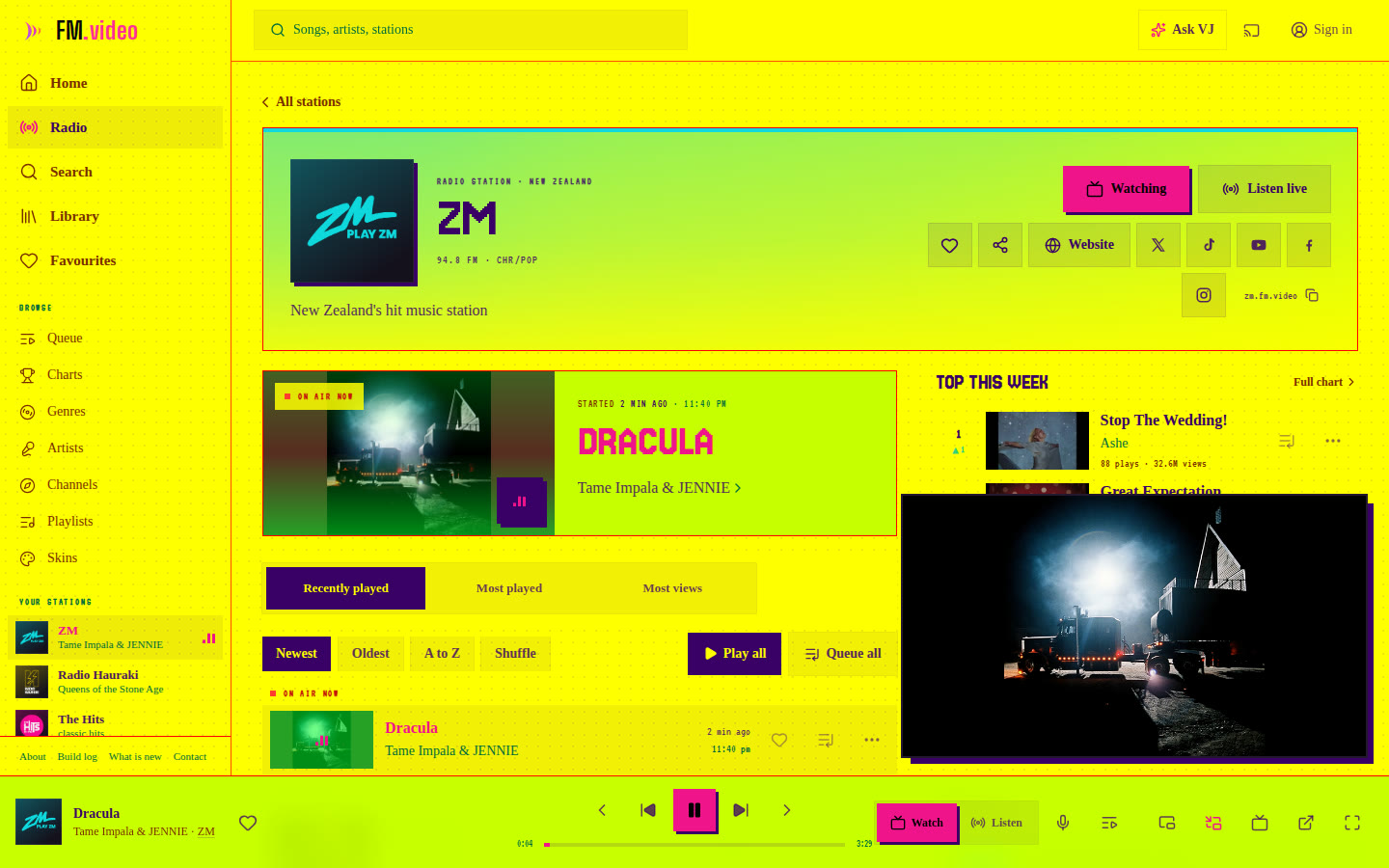
Try it, then switch back before anyone sees your screen.
What went wrong
It was not all one clean line upwards, and the misses are worth knowing about.
The agent built a hover menu on the lyrics button that I had asked for, and I changed my mind soon after and had it taken out. Its first fix for a frozen progress bar on the TV remote made the bar work and sent the TV straight back to where it had been playing. It caught that itself in testing, found the real cause, which was a stray browser event arriving after every tap, and fixed it properly.
I found a very popular Adele song playing a fan's cover version with her name on it. That one was not the new front end's fault, it had been wrong for at least two weeks, but using the new app properly is what made me notice. A check of the 2,000 most-played songs then found 83 playing unofficial uploads. Eight are fixed, the rest are next.
Some videos take a few seconds to start, and it turned out not to be the videos. In testing, YouTube refused the odd request, and the same song that stalled played instantly on the next try. The player now tries again sooner, and counts how often it happens.
And the plain caveat: most of the testing was done by the agent in a browser with no screen. I tested on my own phone, my own desktop and my own TV. If something is broken on yours, tell me.
A playlist for the robots
A small aside, since this whole post is about what AI can make. I have been collecting the best AI-made music videos into a playlist called Slopcore. Thirty-four of them, back to back, like a channel. Some are properly good. All of them would have been impossible two years ago.
What I think this means
I am one person, and this is a passion project. I think FM.video now stands comfortably next to music apps that had teams and multimillion-dollar budgets behind them, and the front end of it was rebuilt in less than a day by someone who was mostly doing something else.
That is not a boast about me. I did the easy part, which was knowing what I wanted and noticing when it was not there yet. It is a note about where we are. The slow, expensive part of software used to be building the thing. Now it is deciding what the thing should be, and having the taste to say "not yet" thirty times in a row.
Next up: finishing the clean-up of those unofficial uploads, testing on more real phones and TVs, and a plug-in so the lyrics can follow you onto a laptop's touch bar. I will write that one up too.
Pick a station: fm.video. And if you want to see how far it came in a day: v1.fm.video.